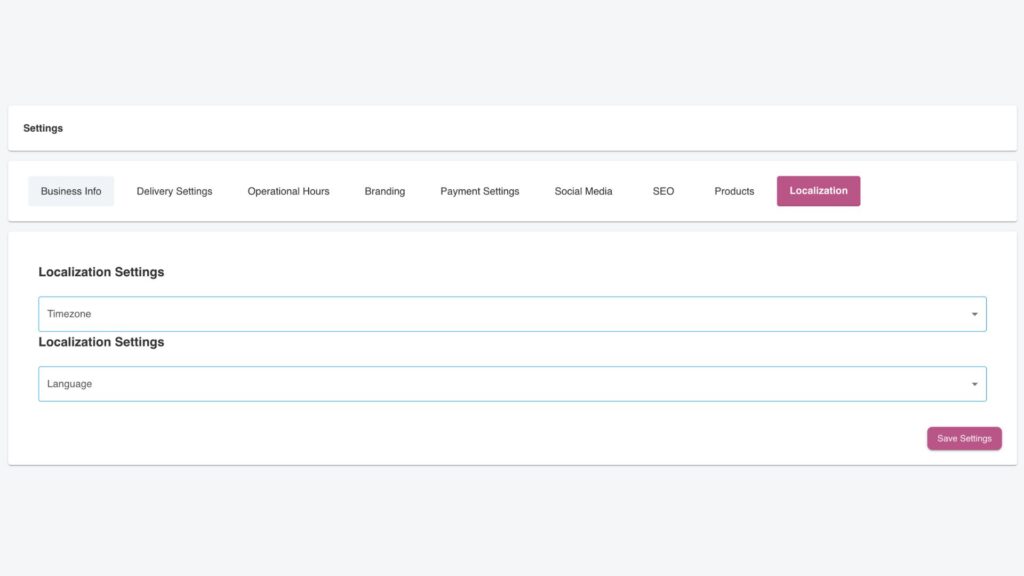
The Localisation tab in the Settings section allows store owners to customize key regional settings, ensuring their business operates smoothly across different geographical and cultural contexts.
Timezone
The Timezone dropdown enables store owners to select the time zone that matches their store’s location. This ensures that operational hours, delivery times, and reporting are all aligned accurately to the store’s local time. Selecting the correct timezone is especially important for businesses with customers in different regions, as it avoids confusion about order processing and delivery schedules.
Language
The Language dropdown allows the store owner to set the default language for their website and app. This selection ensures that all customer-facing content, such as product descriptions and checkout instructions, is presented in the preferred language. While currently limited to a primary language selection, future updates may include multi-language support for enhanced customer accessibility.
By tailoring these localisation settings, store owners ensure that their online store reflects their region’s time zone and language preferences, enhancing clarity for both the business and its customers. These options are particularly beneficial for businesses in diverse or multi-regional markets.