Once you’ve registered your account, logging in is the next step to access your CheckoutNgo Dashboard and manage your store. Here’s how you can log in:
Step 1: Access the Login Page
Visit the CheckoutNgo login page:
https://www.dashboard.checkoutngo.com/auth/login
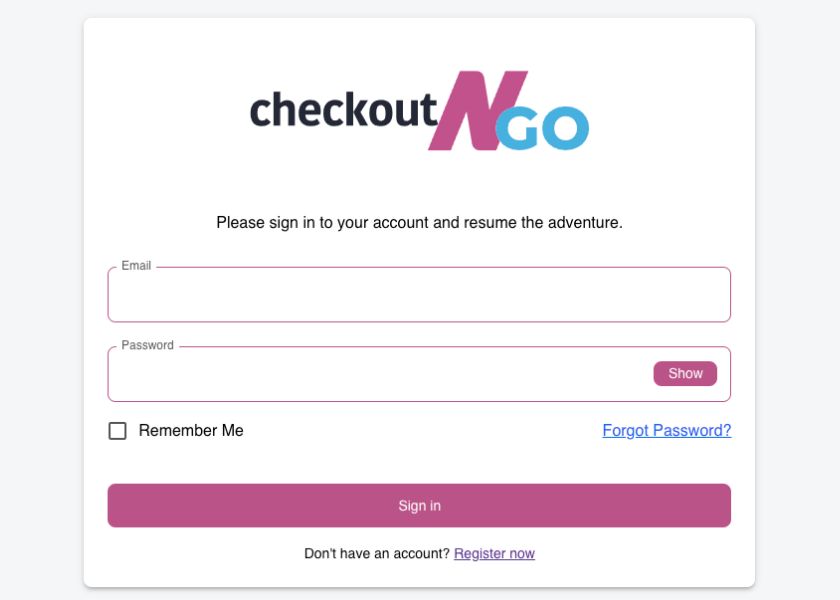
Step 2: Enter Your Login Credentials
- Type your Email Address into the email field.
- Enter your Password in the password field.
->If you want to double-check your password, click the Show button to view it.
Step 3: Additional Options
- To make future logins easier, check the Remember Me box. This keeps you signed in on your current device.
- If you’ve forgotten your password, click Forgot Password? to reset it. You’ll be guided through the password recovery process.