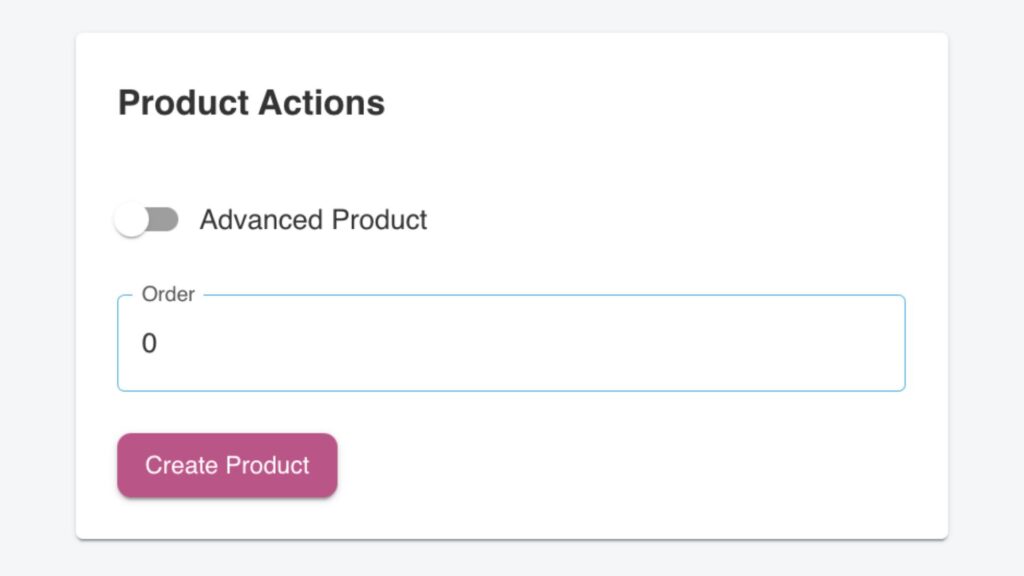
The Product Actions section allows you to toggle a product into an Advanced Product. This feature is particularly useful for products that have Variants, enabling store owners to offer multiple options for a single product.
What Are Variants?
Variants are different versions of the same product that may have unique properties such as size, price, stock levels, or additional attributes. Each variant can be managed independently while still being part of the main product. For instance, a product like a Pizza can have variants based on its size, such as an 8-inch and a 10-inch pizza.
Example: Pizza Product with Variants
Imagine you are adding a Chicken Pizza to your menu. With variants, you can offer it in two sizes:
- 8-Inch Chicken Pizza
SKU: Unique code for inventory tracking.
Price: €7.50.
Attributes: Options like “Toppings (8-inch)” and “Comments”.
Barcode: If needed, you can assign a unique barcode to this size. - 10-Inch Chicken Pizza
SKU: A separate inventory code for the larger size.
Price: €10.00.
Attributes: Includes “Toppings (10-inch)” and “Comments”.
Barcode: Assign a barcode for this variant.
Each variant operates as a standalone item under the main product, allowing you to customize its details. For example, the 8-Inch Chicken Pizza may have fewer toppings or a different price compared to the 10-Inch Chicken Pizza, while still being grouped under the same product in your menu.
Key Features of Variants
- Pricing: Set a distinct price for each variant. For example, a larger pizza will naturally have a higher price than a smaller one.
- Stock Management: Track inventory for each variant separately, ensuring accurate stock updates.
- Attributes: Assign unique attributes for each variant. For instance, the 8-inch pizza may allow toppings specific to its size, while the 10-inch pizza might include different options.
- customisation: Variants make it easy to offer customers flexibility while maintaining a clean and organised product menu.