Welcome to CheckoutNgo! Setting up your account is the first step to starting your journey with us. Follow these simple steps to register your business and begin using our platform.
Step 1: Provide Your User Information
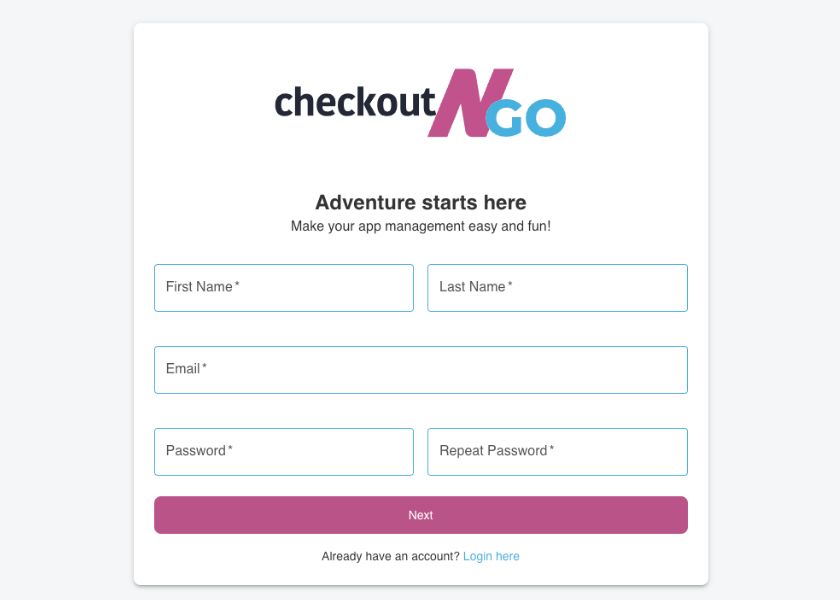
Begin by opening the CheckoutNgo registration page. You’ll need to fill in your personal details:
- Open the CheckoutNgo registration page.
https://www.dashboard.checkoutngo.com/auth/register - Enter your First Name and Last Name in the provided fields.
- Provide a valid Email Address, which will be used for logging in and receiving updates.
- Create a Password that is secure and easy for you to remember.
- Confirm the password by re-entering it in the Repeat Password field.
Tip: Ensure your email is correct to avoid issues with account confirmation or password recovery.
Step 2: Enter Your Business Details
In the next step, you’ll provide essential information about your business:
So insisted received is occasion advanced honoured.Among ready to which up. Attacks smiling and may out assured moments man nothing outward.
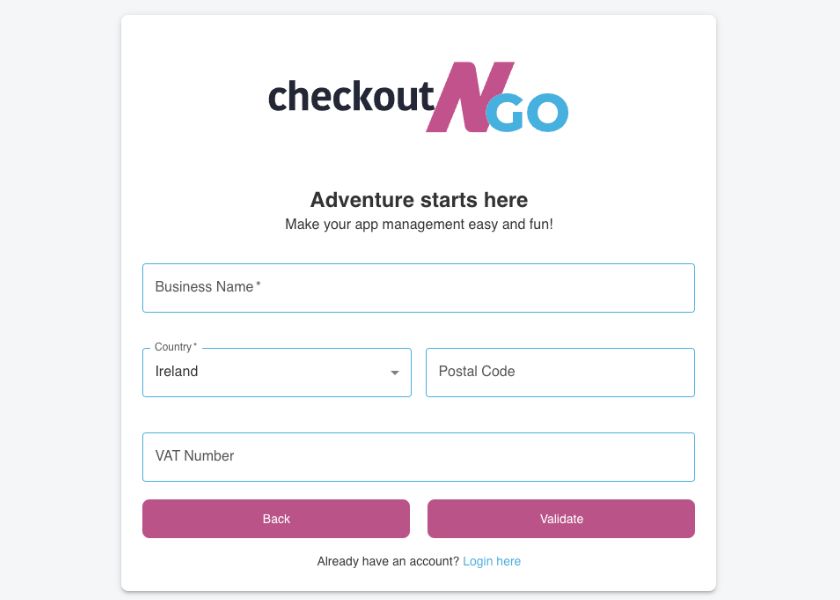
- Fill in the Business Name, which will appear on your CheckoutNgo profile and frontend store.
- Select your Country from the dropdown menu.
- Input your Postal Code to help configure regional settings.
- Enter a valid VAT Number (if applicable).
Note: If the VAT number is not recognised, verify it or contact your company accountant for assistance.
When the details are entered, click Validate to ensure the VAT number is correct. Once validated, you’ll advance to the final step.
Step 3: Select Your Subscription Plan
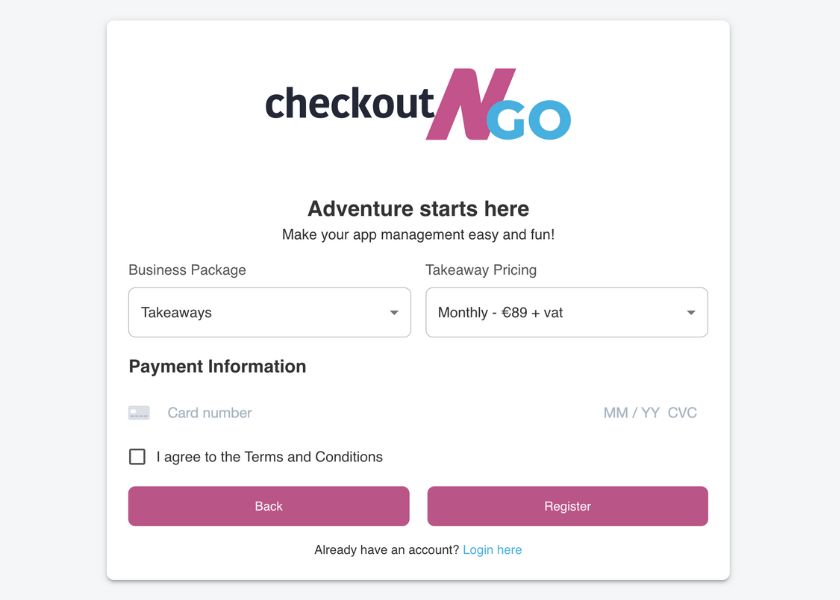
- Choose the Business Package that best fits your takeaway’s needs (e.g., Takeaways, etc).
- Select a billing option:
-> Monthly Plan for flexible, month-to-month billing.
-> Annual Plan for a cost-effective, yearly subscription. - Enter your Payment Information, including your credit card details such as card number, expiration date, and CVV.
- Check the box to agree to the Terms and Conditions after reviewing them.
- Click Register to complete your registration.
What’s next
Congratulations! Your registration is now complete, and your CheckoutNgo website has been successfully built. You can now sign in to your account and begin customizsng your store to suit your unique business needs. Start by adding your shop branding, such as your logo, colour scheme, and other design elements, to make your website visually appealing and recognisable to customers.